OVERVIEW
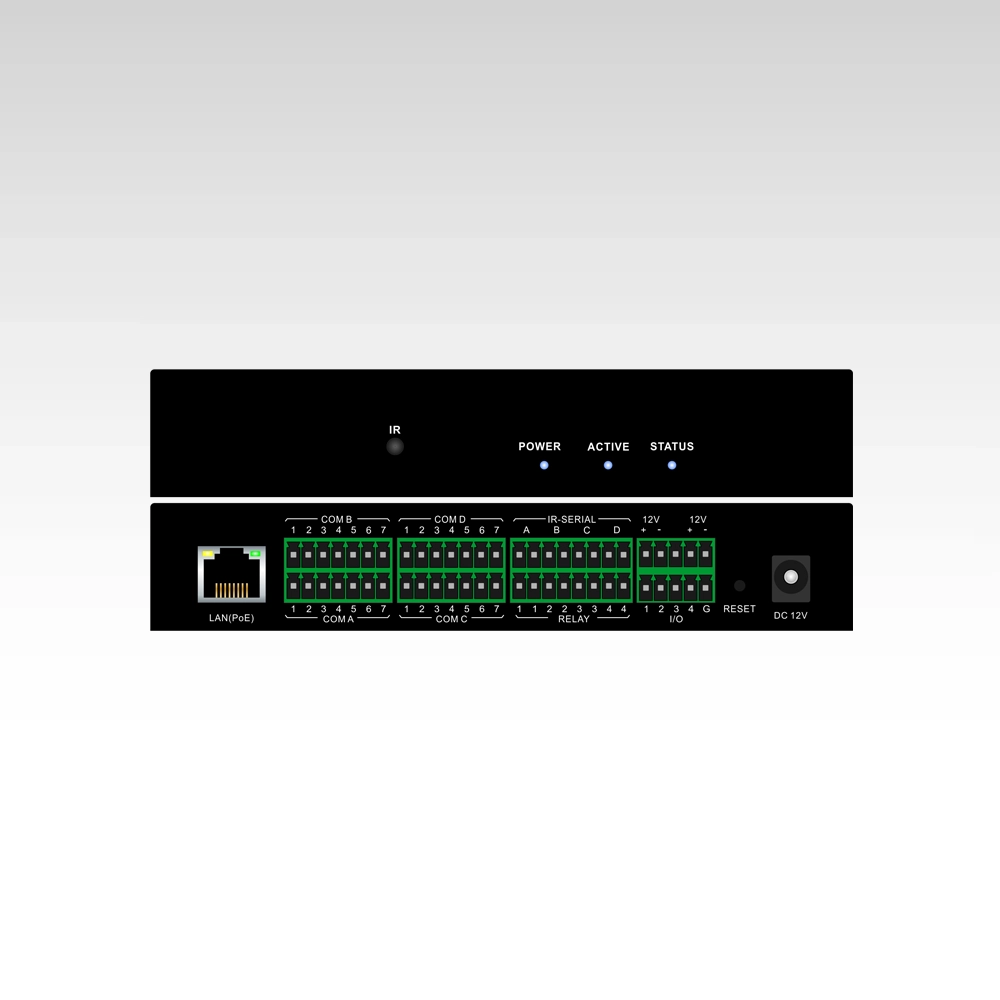
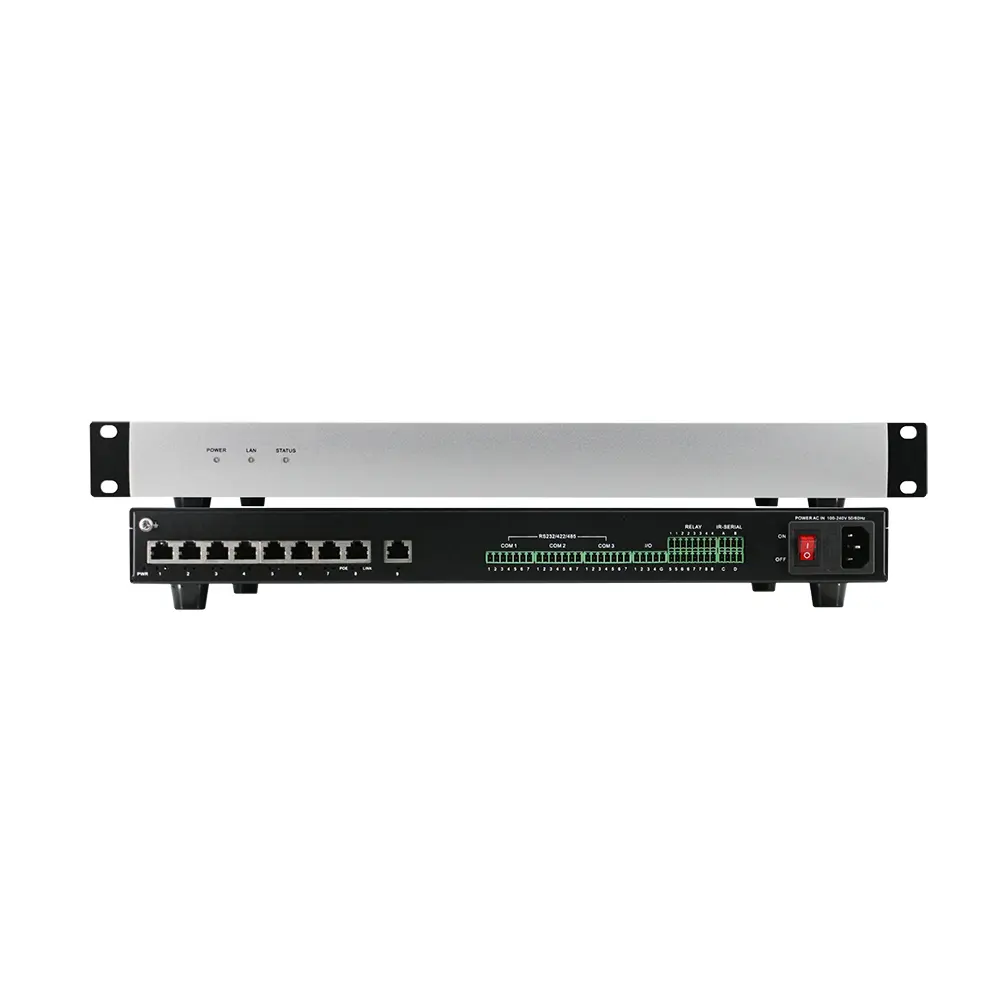
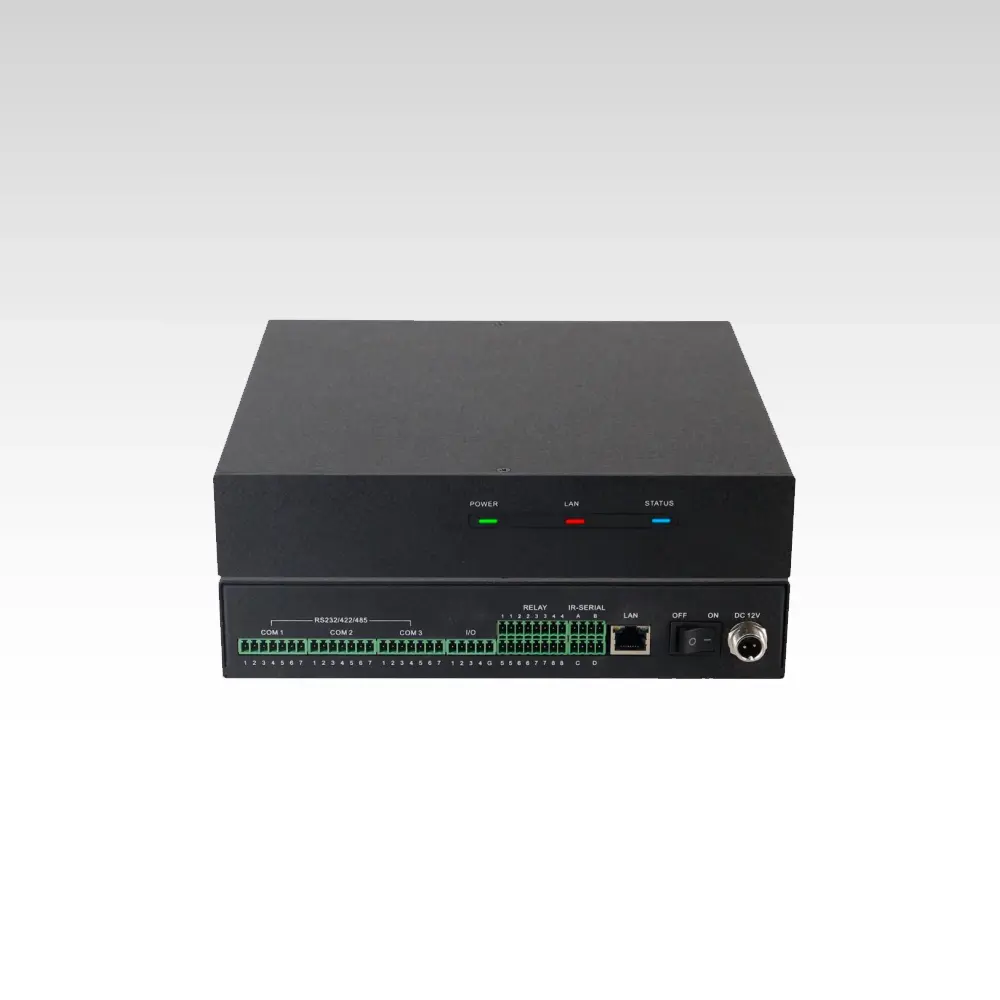
This Web-based LAN to RS232/IR/Relay server supports WEB GUI configuration, making it easy to manage relay ports and IR commands remotely.
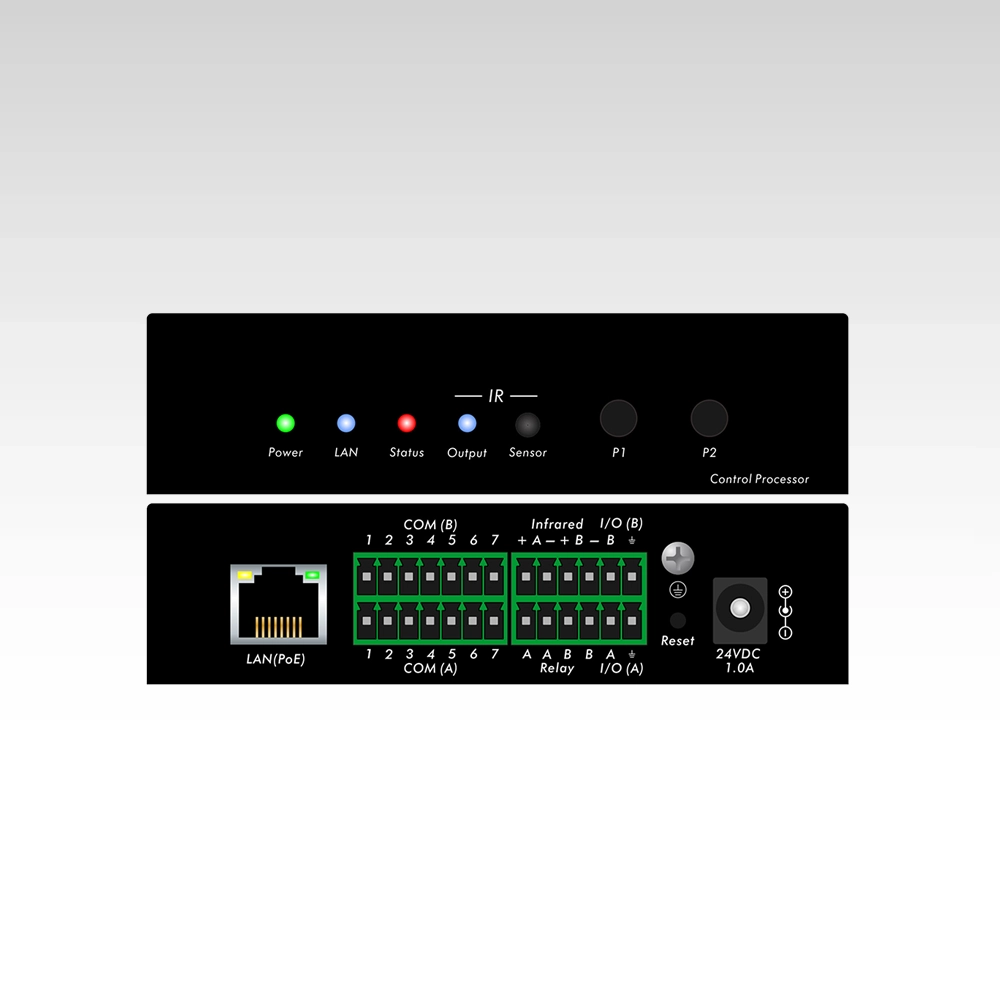
RS-232: Pin 5 is GND, Pin 6 is received (RXD), Pin 7 is the transmit (TXD);
RS-422: Pin 1 (RXD+), Pin 2 (TXD+), Pin 3 (RXD-), Pin 4 (TXD-), Pin 5 (GND);
RS-485: Pin 1 (RXD+) and Pin 2 (TXD+) should be short connected as D+, Pin 3 (RXD-) and Pin 4 (TXD-) short connected as D-, and Pin 5 still is GND
Introduction
It’s LAN to RS232/IR/Relay server with IR learning built-in, can support the UDP commands control, POE, it can work with the central control host or the 3rd party control system.
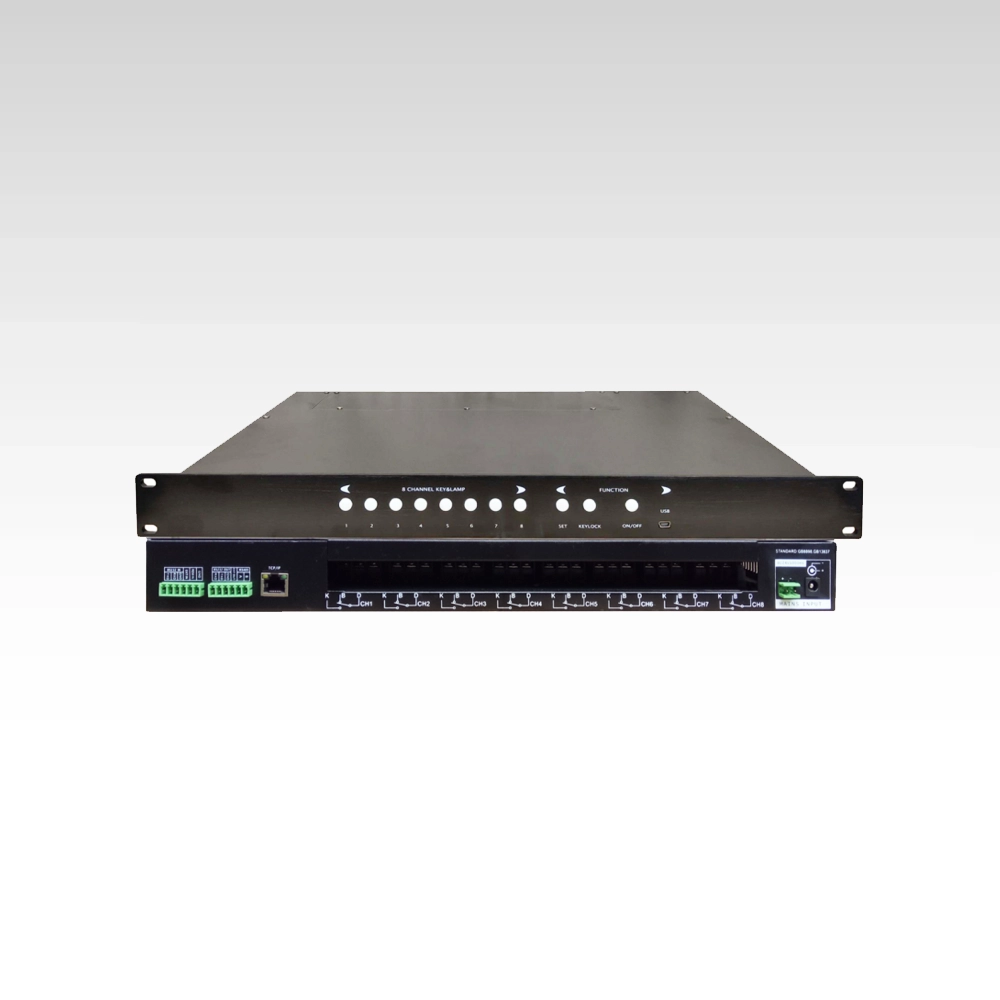
The Web-based LAN to RS232/IR/Relay server (Model BYOD-E400) features IR learning, POE power and WEB GUI settings, ideal for commercial AV control systems. Get a custom quote today!
The Web-based LAN to RS232/IR/Relay server (Model BYOD-E400) is a versatile control accessory with 4*7-pin RS-232/422/485 ports and built-in IR learning.
Features
• 4*7-pin RS-232/422/485 ports
• 4*2-pin IR or one-way RS-232 ports
• 4*RELAY ports
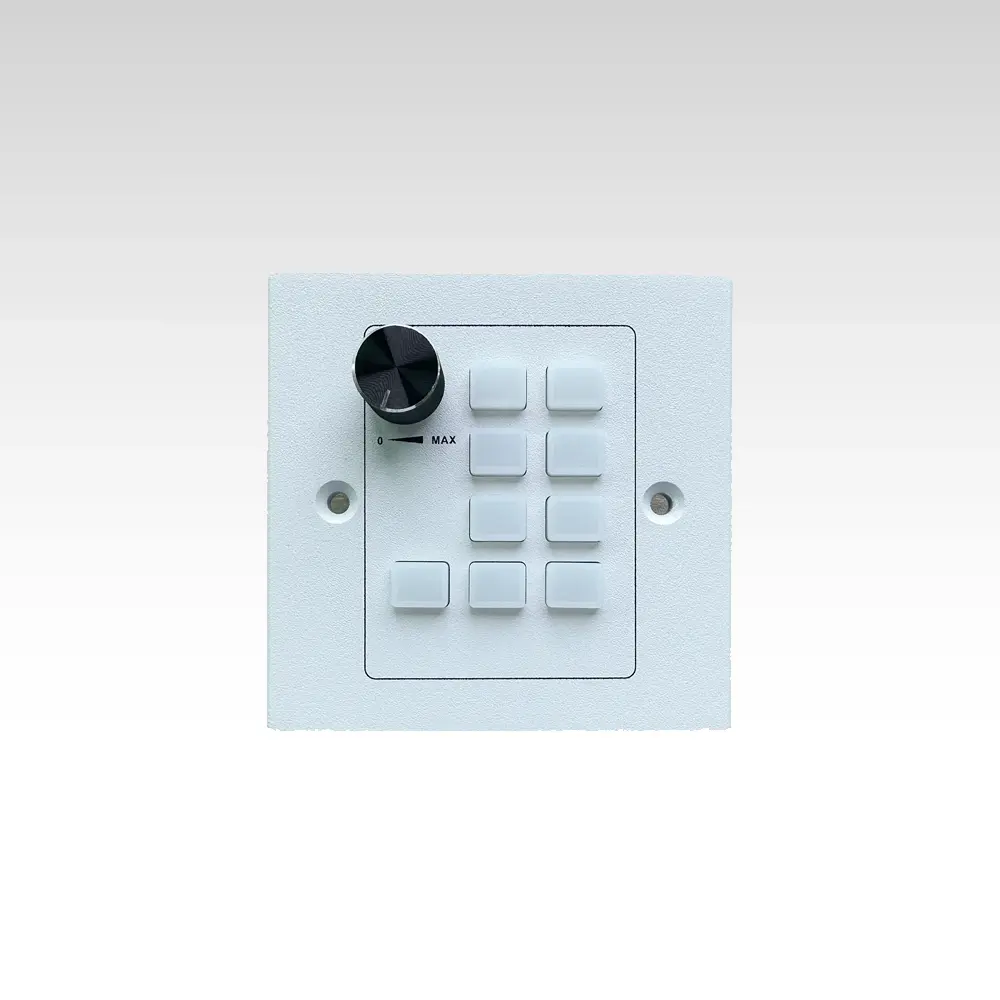
• 4*programmable push buttons
• 2*12V1A DC ports
• 4*I/O ports
• With the IR learning built-in
• WEB GUI based settings
• Web-based LAN to RS232/IR/Relay server
WEB GUI login(default IP 192.168.0.160, admin, admin)
UDP commands control(192.168.0.160, port number 5000)
I/O Command
Command: (IOx,?)
Parameter: x values [1-8]
Function: Obtain channel x I/O input status
Example: Query the first IO status: (IO1,?), return: (IO1,z)
Explanation: I/O open circuit to ground z=0, I/O short circuit to ground z=1
*Remark: When there is a state change in the x-th I/O input port, feedback inCommandion will be actively sent to the serial port and UDP client (As a UDP server, the device only sends status feedback inCommandion when the UDP client first connects)
IOALL Command
Command: (IOALL,?)
Function: Obtain the digital quantity status of all eight channels
Example1: Query all eight I/O status: (IOALL,?), return: (IOALL,z)
Explanation: Z is a character, and the values of 1-8 bits correspond to the status of 1-8 I/O channels respectively; When the hexadecimal value of z is 01h, it indicates that the first I/O is short circuited to ground, and the remaining seven are open circuited to ground; When the hexadecimal value of z is 31h, it indicates that the first, fifth, and sixth I/O channels are short circuited to ground, while the rest are open circuited to ground
RELAY Command
Command: (RYx,z)
Parameter: X values [1~8]; Z values [0-1]
Function: Control the x-th relay [on/off]
Example1: Close the first relay: (RY1,1), return: OK
Example2: Disconnect the first relay: (RY1,0), return: OK
SIR Command
Command: (SIRx,z)
Parameter: X values [A~H]; Z values [1-40]
Function: Channel x sends the z-th infrared function
Example1: Channel A sends the first infrared function: (SIRA,1), returns: OK
IRCOM Command
Command: (IRCOMx,uvw,z)
Parameter: X values [A~H]; U values [A~H]; V values [A~B]; W values [A~C]
Function: Send the string z in UVW Command to the x-th (infrared) unidirectional serial port
U corresponds to baud rates [A: 1200, B: 2400, C: 4800, D: 9600, E: 19200, F: 38400, G: 57600, H: 115200];
V corresponds to data bits [A: 7BIT, B: 8BIT];
W corresponds to the checksum [A; NONE, B: ODD, C: EVEN];
Z sends the content of a string, with a total length not exceeding 64 bytes (note: Non visible characters can be sent in the form of \ xxx, and the last 2 digits of xx are the hexadecimal values of non visible characters. When three special characters such as’ \ x ‘,’ (‘,’) ‘appear in the string, they must be sent in an escaped manner When encountering the character ‘\ x’, use ‘\ x5Cx’ to represent it; When encountering the character ‘(‘, use \ x28; when encountering the character ‘)’, use \ x29)
Example1: Channel A sends the string TEST in 9600N81 data Command: (IRCOMA,DBA,TEST) and returns: OK
COM Send Command
Command: (COMx,tuvw,z)
Parameter: X values [A~H]; T values [A~C]; U values [A~H]; V values [A~B]; W values [A~C]
Function: Send the string z in tuvw Command to the x-th composite serial port;
T Corresponding communication protocol [A: RS232, B: RS422, C: RS485];
U corresponds to baud rates [A: 1200, B: 2400, C: 4800, D: 9600, E: 19200, F: 38400, G: 57600, H: 115200];
V corresponds to data bits [A: 7BIT, B: 8BIT];
W corresponds to the checksum [A; NONE, B: ODD, C: EVEN];
Z sends the content of a string, with a total length not exceeding 1024 bytes (note: Non visible characters can be sent in the form of \ xxx, and the last two digits of xx are the hexadecimal values of non visible characters. When three special characters such as’ \ x ‘,’ (‘,’) ‘appear in the string, they must be sent by escape When encountering the character ‘\ x’, use ‘\ x5Cx’ to represent it; When encountering the character ‘(‘, use \ x28; when encountering the character ‘)’, use \ x29)
Example1: COM A sends the string TEST in RS232 9600N81 data Command: (COMA,ADABA), return: OK
COM Receive Data Command
Command: (COMx,z)
Parameter: x values [A~H];
Function: The instruction to return data to the outside after receiving it in a string; z receives the content of a string, with a total data length not exceeding 1024 bytes
Example1: If channel A receives data ‘0x54 0x45 0x53 0x54’, the returned instruction is (COMA,TEST)
Example2: Channel B receives data ‘0x52 0x45 0x4C 0x41 0x59 0x20 0x4F 0x4E’, then the returned instruction is (COMB,RELAY ON), with some non visible characters in the returned instruction,Web-based LAN to RS232/IR/Relay server